• Skip to Navigation
  • Skip to Content
  • Skip to Footer

Center for Media at Risk

  • NEWS
  • EVENTS
  • Media
    • Infographics
    • Podcasts
    • Youtube Page
  • Takeaways
    • Reflections
    • Research
    • Reviews
    • Talks to text
  • Divider
  • ABOUT
    • Misson
    • Meet our Director
    • Engage with Us
  • People
    • FACULTY & STAFF
    • Steering Committee
    • AFFILIATES
    • Alumni
    • New Window
    • New Window

Infographics

  • Media
    • Podcasts
    • Infographics
    • Videos
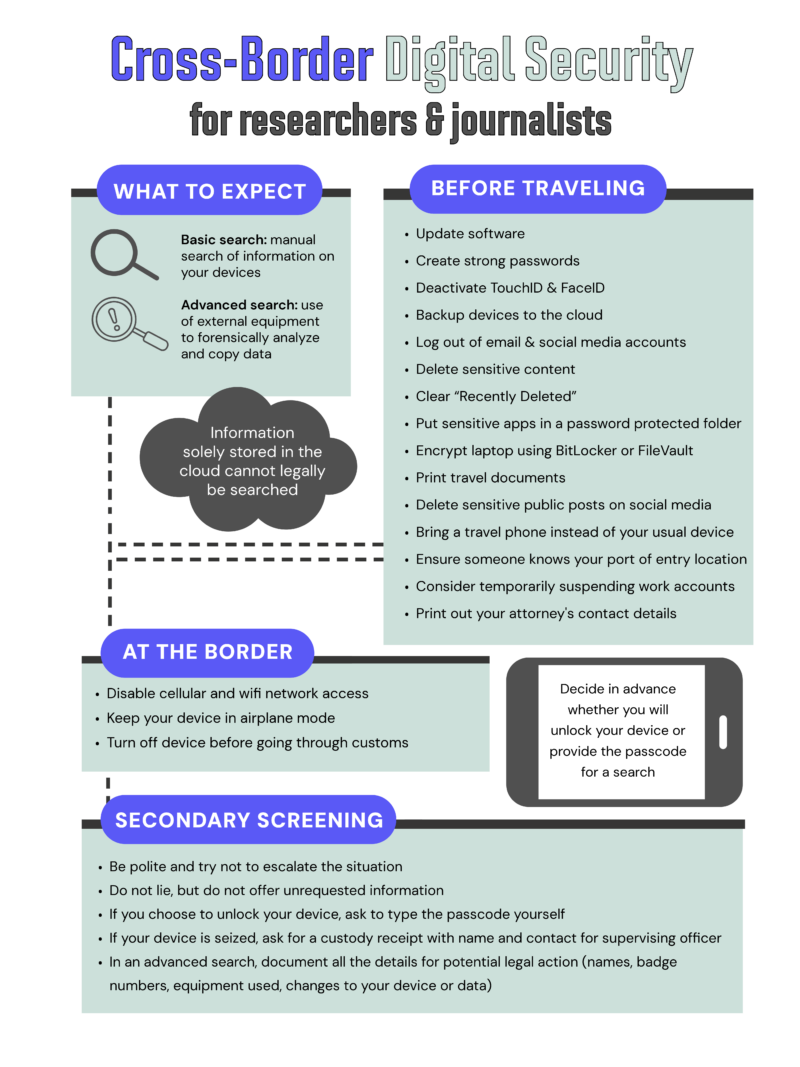
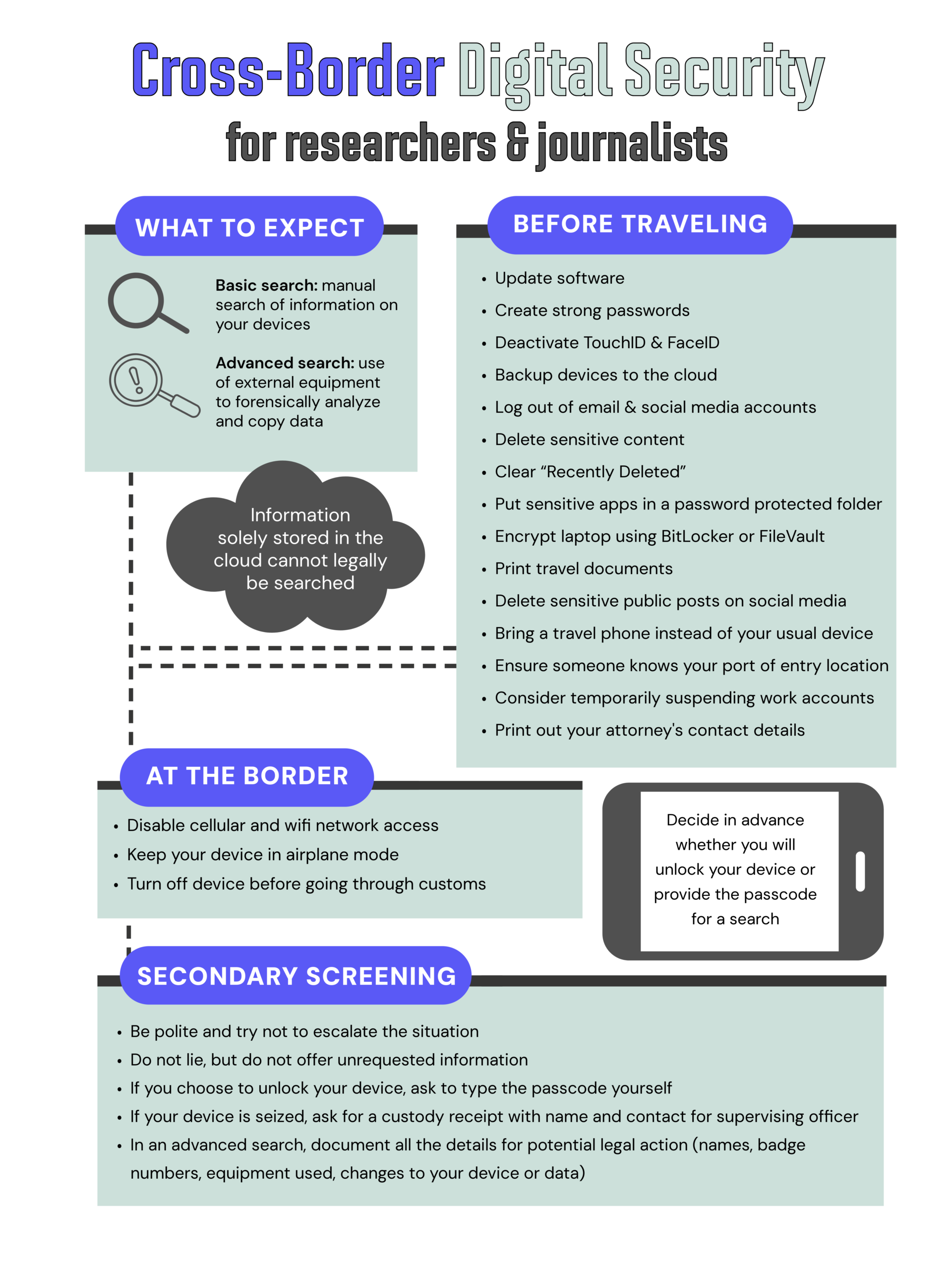
A vertically oriented infographic titled “Cross‑Border Digital Security for researchers & journalists.” It is divided into four sections: What to Expect, Before Traveling, At the Border, and Secondary Screening. The design uses teal, purple, black, and grey accents, with icons for search, devices, and borders. Section 1: What to Expect A box with two subsections: Basic search: Manual search of information on your devices. Advanced search: Use of external equipment to forensically analyze and copy data. A dotted line surrounds a grey bubble stating: “Information solely stored in the cloud cannot legally be searched.” Section 2: Before Traveling A bulleted list: Update software Create strong passwords Deactivate TouchID & FaceID Backup devices to the cloud Log out of email & social media accounts Delete sensitive content Clear “Recently Deleted” Put sensitive apps in a password‑protected folder Encrypt laptop using BitLocker or FileVault Print travel documents Delete sensitive public posts on social media Bring a travel phone instead of your usual device Ensure someone knows your port‑of‑entry location Consider temporarily suspending work accounts Print out your attorney’s contact details Section 3: At the Border Guidance for device handling: Disable cellular and Wi‑Fi network access Keep your device in airplane mode Turn off device before going through customs To the right is an illustration of a smartphone and a note saying: “Decide in advance whether you will unlock your device or provide the passcode for a search.” Section 4: Secondary Screening A bulleted list: Be polite and try not to escalate the situation Do not lie, but do not offer unrequested information If you choose to unlock your device, ask to type the passcode yourself If your device is seized, ask for a custody receipt with name and contact for the supervising officer In an advanced search, document all details for potential legal action (names, badge numbers, equipment used, changes to your device or data)
Cross-Border Digital Security for researchers and journalists
infographics

Cross-Border Digital Security for researchers and journalists

  • February 10, 2026
View Cross-Border Digital Security for researchers and journalists
A person is sitting on a chair and painting on a canvas placed on an easel. The scene is set in an art studio with abstract decor, including a framed picture on the wall, books, and plants. The color scheme is predominantly blue and purple with some red accents.
Artist Precarity in Philadelphia
infographics

Artist Precarity in Philadelphia

  • December 12, 2024
View Artist Precarity in Philadelphia
Title slide: Digital Security in the Academy
Digital Security in the Academy
infographics

Digital Security in the Academy

  • April 29, 2024
View Digital Security in the Academy
The image is a colorful graphic with a gradient background transitioning from blue to purple to pink. It features a grid pattern in the center. On the left side, there is an outline of a person wearing virtual reality goggles with abstract shapes around the head, indicating immersion in a virtual environment. The text "THE METAVERSE" is prominently displayed in bold white letters in the center of the image. In the top right corner, there is a label that reads "Beginner's Guide" next to an icon of a magnifying glass. At the bottom left corner, there is a logo for "CENTER FOR MEDIA @ RISK." In the bottom right corner, there is an illustration of VR goggles.
A Beginner’s Guide to the Metaverse
infographics

A Beginner’s Guide to the Metaverse

  • February 20, 2024
View A Beginner’s Guide to the Metaverse
The image shows a person holding a megaphone and speaking, with one hand extended outward. To the right of the person, there is an icon of a magnifying glass over a speech bubble containing an exclamation mark inside a yellow triangle. The background is dark with scattered X marks in light blue and gray colors.
Fact-Checking Best Practices
infographics

Fact-Checking Best Practices

  • September 27, 2023
View Fact-Checking Best Practices
The image shows an illustration of a person in motion, reaching out towards various icons. The icons include a red alarm bell, a yellow warning triangle with an exclamation mark, a speech bubble with three dots, and a shield with a lock. The background features concentric circles in light beige tones.
Trust and Safety: Explaining the Industry
infographics

Trust and Safety: Explaining the Industry

  • August 21, 2023
View Trust and Safety: Explaining the Industry
infographics

Information Security Practices for Media Workers

  • December 2, 2020
View Information Security Practices for Media Workers

Center for Media at Risk

Annenberg School for Communication
3620 Walnut Street
Philadelphia, PA 19104

Email: media.risk@asc.upenn.edu

    • New Window
    • New Window

The Center for Media at Risk is dedicated to identifying threats to media and strategizing in response to conditions that undermine free and critical media practice worldwide.

Center for Media at Risk
Copyright © 2026 Center for Media at Risk. All rights reserved.
WordPress Theme by FORQY
  • Privacy Policy
  • Report Accessibility Issues and Get Help
    • New Window
    • New Window
Back to Top

Search

Center for Media at Risk